How it works
From QR code to revenue in under 5 minutes
Park Graph is the simplest way to modernize a parking lot. No hardware to install, no apps to download, no contracts to sign. Here is exactly how it works, from your first QR code to your first payout. Whether you manage a single surface lot or a portfolio of garages, the setup process is identical.
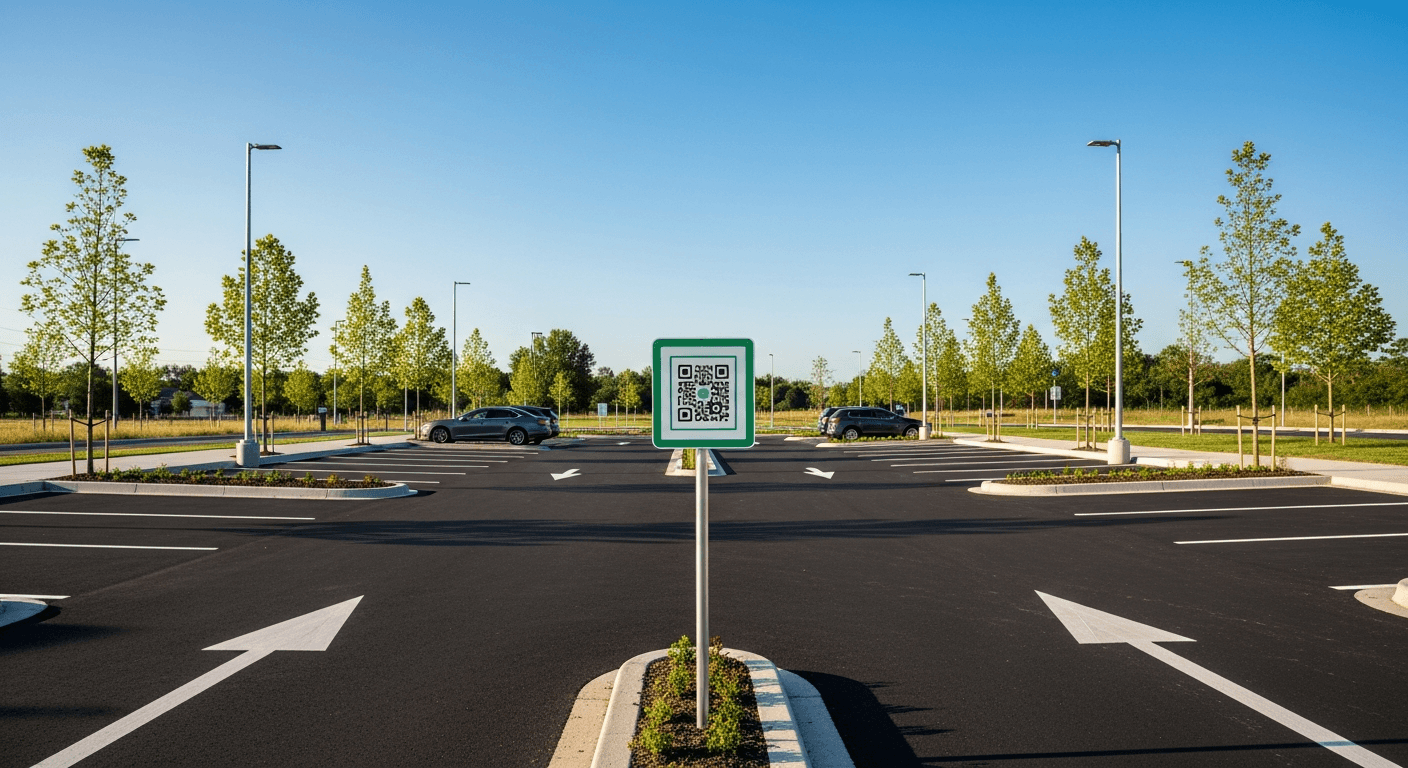
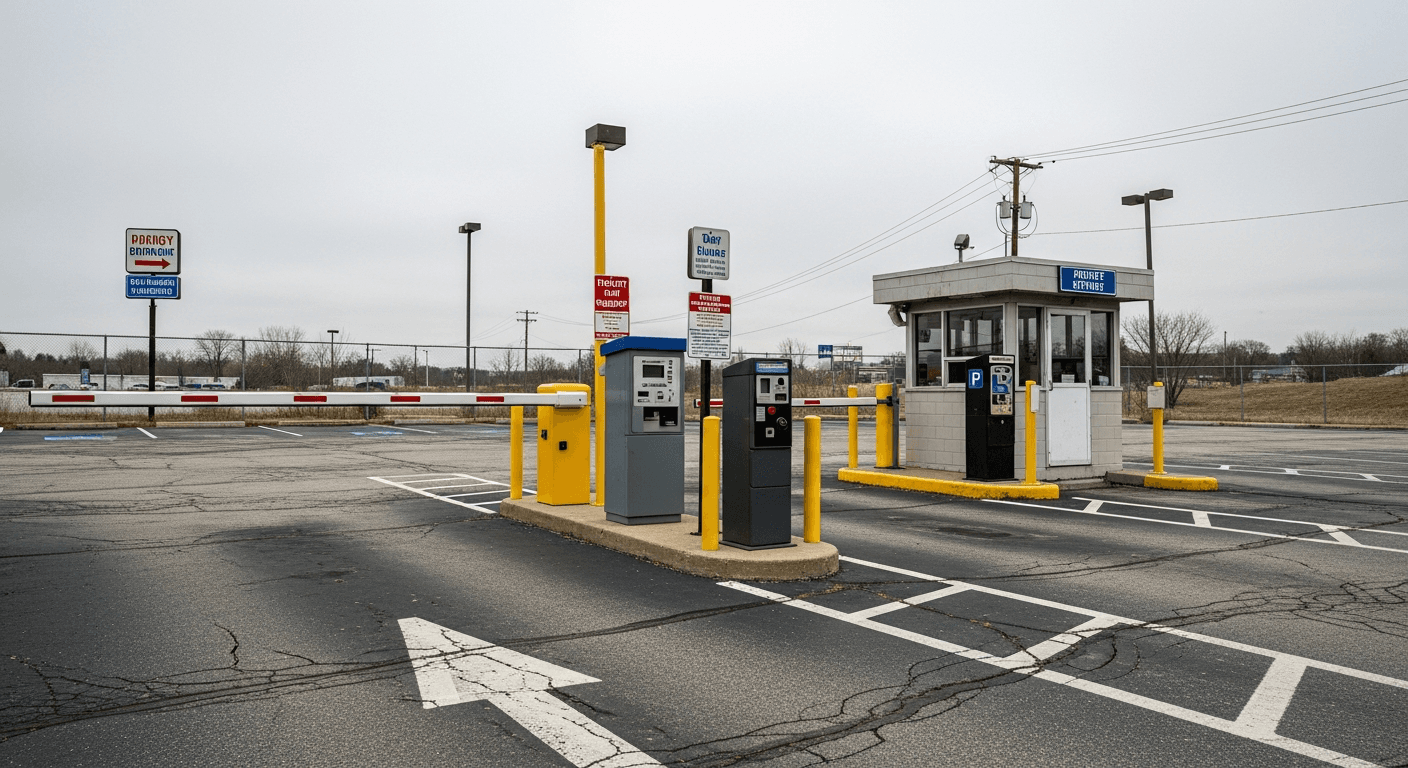
The installation
From sign-up to live in one afternoon
No gate to wire. No meter to bolt down. No technician to schedule. Watch an owner take a lot live in four steps — the last one is a real code, mounted on a real post.
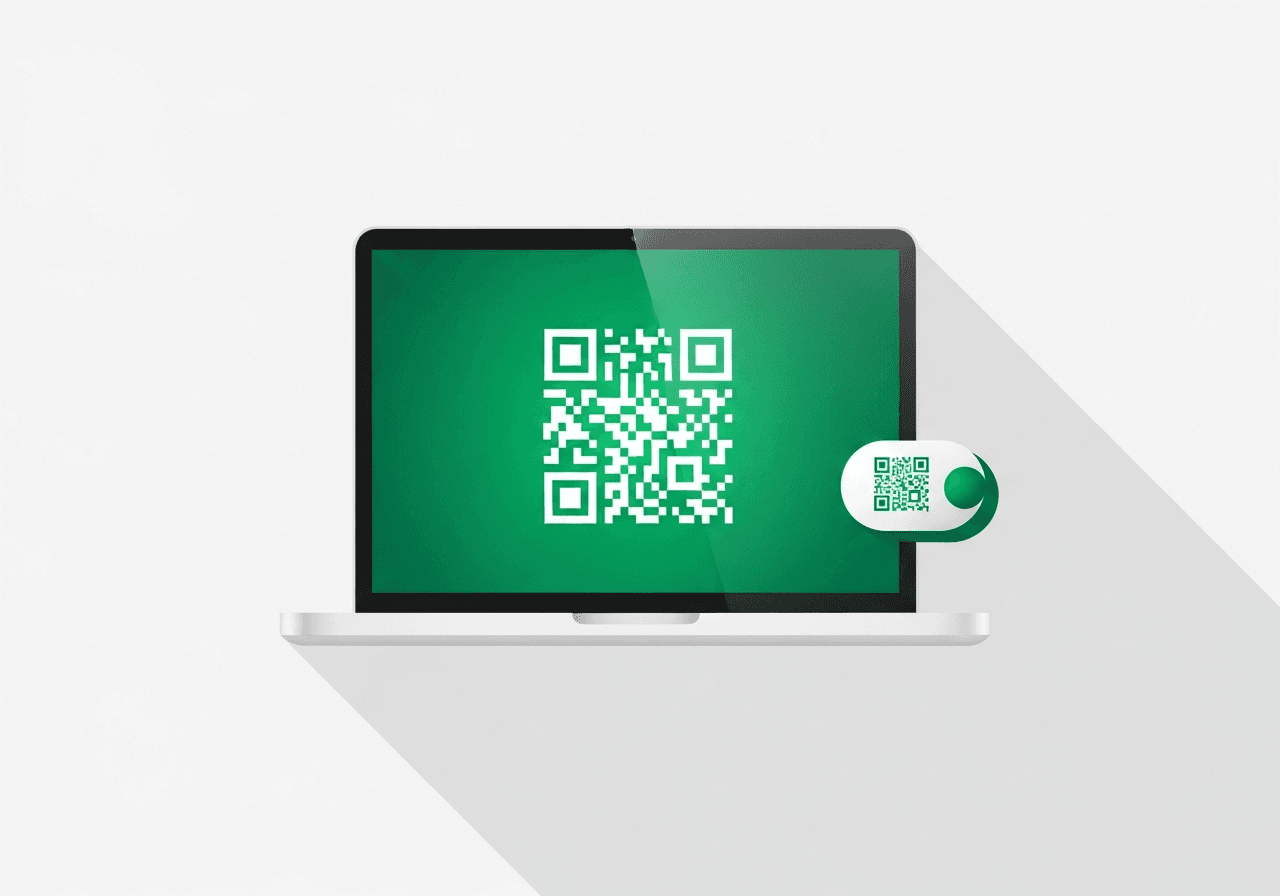 1
1Generate
Enter your lot name, spaces, and rate. Park Graph mints a branded QR code that links straight to your payment page.
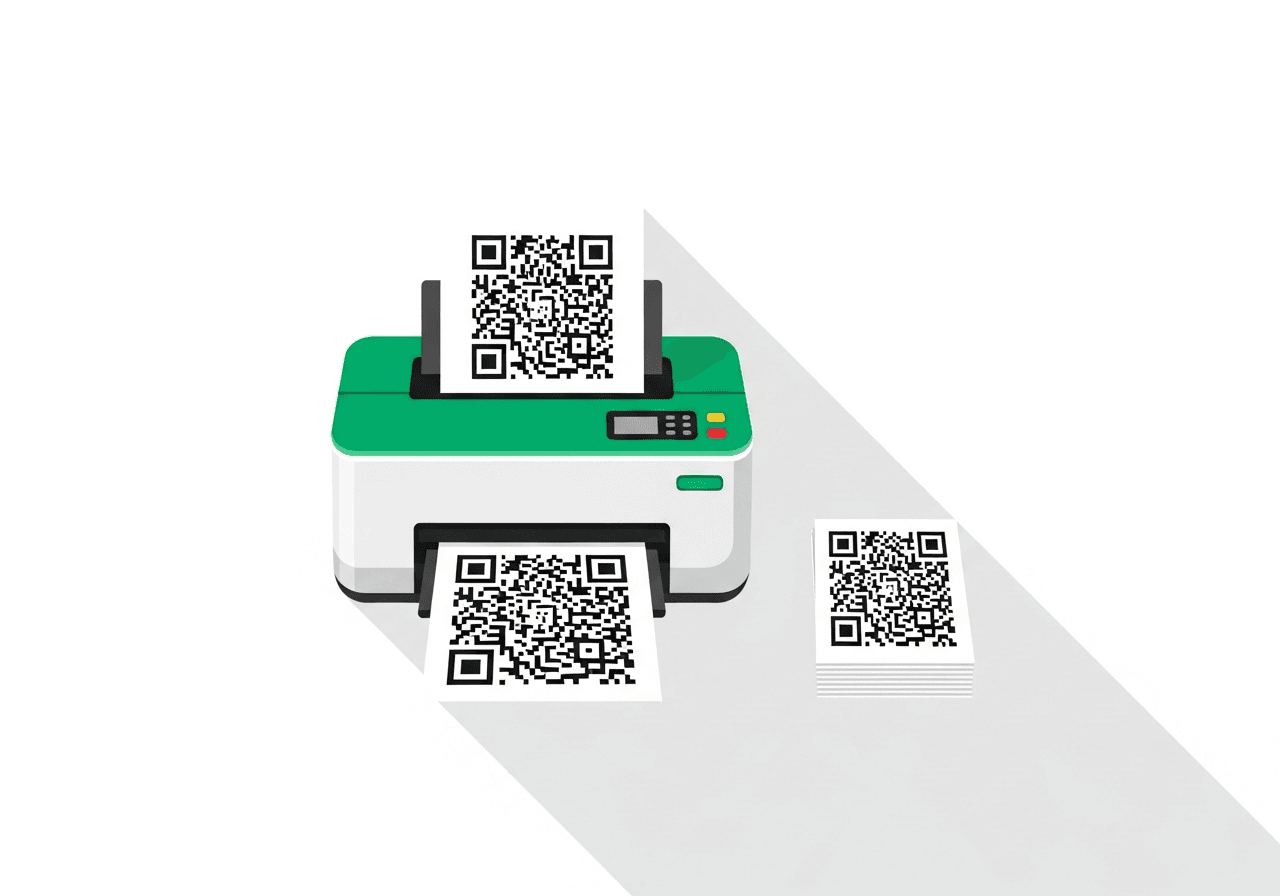 2
2Print
Send it to any standard printer. Laminate the sheet for weather protection — that is your entire hardware bill.
 3
3Post
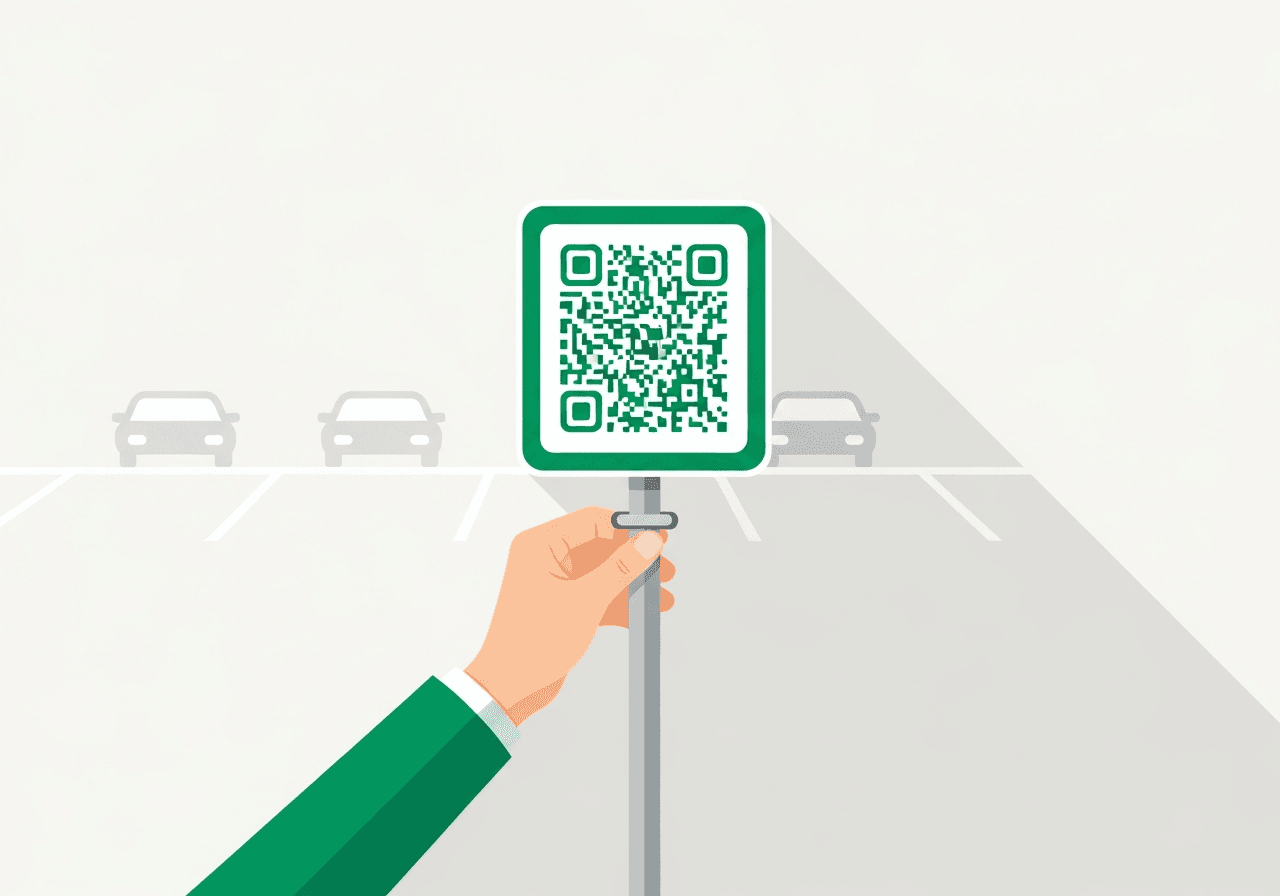
Mount it on a post at the entrance and any major pedestrian path. No gates, no wiring, no installer visit.
 4
4Go live
Your first payout arrives 7–14 days after your first payment. That is Stripe's standard for new accounts. After that, payouts follow your plan's schedule. Verified lots are paid 2 business days after each payment.
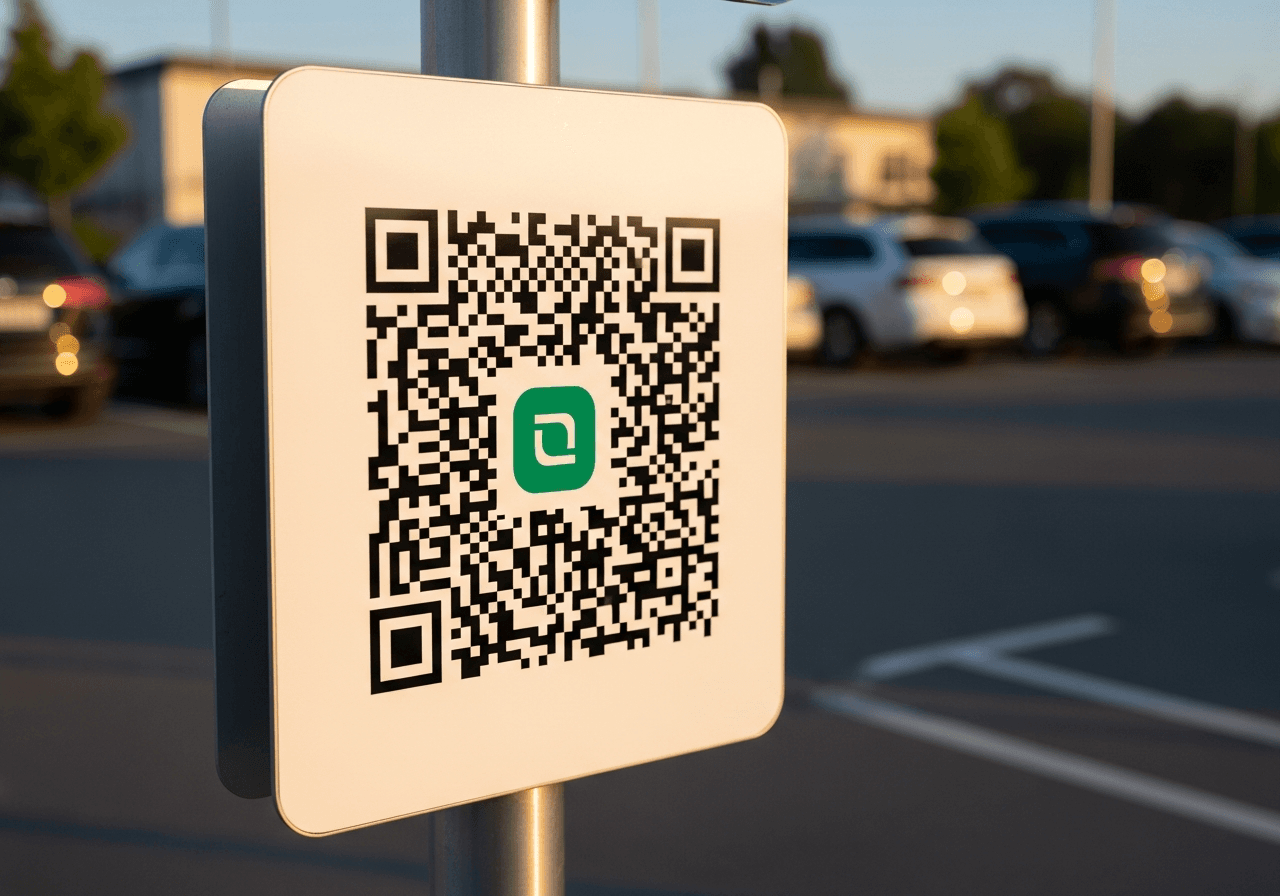
This is the whole install
One sign. No hardware crew.
A laminated code on a post is everything a driver needs to pay. If it ever gets damaged, reprint it for the price of a lamination pouch. Change your pricing and the same code keeps working — the payment page updates itself.
- Prints on any standard office printer
- Scannable day or night with reflective lamination
- Same code stays valid when prices change
Step 1: Generate your QR code. Enter your lot name, number of spaces, and hourly rate. Park Graph generates a branded QR code that links directly to your lot's payment page. You can try this right now on our homepage — no account required. When you are ready to go live, sign up and connect your Stripe account. Your QR code becomes a live payment endpoint. The entire signup and Stripe Connect onboarding takes under three minutes. We walk you through every step with inline instructions and validation so nothing is missed.
Step 2: Post the QR code at your lot. Print the QR code on any standard printer. Laminate it, put it on a sign, attach it to a post. That is your entire hardware installation. Some operators print multiple codes — one at the entrance, one at each pay station location, one on the attendant booth. Each code points to the same lot page. We recommend placing the QR code at eye level near the entrance and at each major pedestrian path so drivers see it as they arrive and as they walk to their destination. Reflective lamination ensures the code is scannable in both daylight and under streetlights at night.
Step 3: Drivers scan and pay. A driver arrives, opens their phone camera, points it at the QR code. The Park Graph payment page opens instantly in their browser. They select a duration, tap Apple Pay or enter a credit card, and they are parked. The entire process takes under 30 seconds. No app download, no account creation, no gate to open. Drivers on iPhone or Android can use the native camera app — no third-party QR reader is needed. The page loads in under one second on 4G connections and gracefully handles slow networks with a lightweight initial render.
The driver side
What the driver experiences
End-to-end after scanning your code — under 30 seconds, with no app to download and no gate to lift.
Park
Pull into any open space. No app to download, no account to make, no gate to lift.
Scan
Point your phone camera at the printed code posted at the space. It opens instantly.
Pay
Pick a duration and tap Apple Pay, Google Pay, or a card. The whole thing is one screen.
Walk away
A receipt lands in your inbox. Need more time? Extend right from the link — no walk back.
Ready to see it in action? Try our live QR generator and create a payment code for your lot in seconds.
Try the QR generatorPark Graph
Scan QR Code
Point camera at parking sign
The driver experience
When a driver scans your QR code, they land on a clean, mobile-optimized payment page. No clutter, no ads, no confusion. The lot name, address, and current rate are displayed clearly at the top. The page adapts to the driver's device — compact on smaller screens, expanded on tablets, and fully responsive across every viewport.
The driver selects how long they want to park — 1 hour, 2 hours, all day. The price updates in real-time. If dynamic pricing is active, they see the current rate and any surge adjustments. Transparency is built into every screen: there are no hidden fees, no surprise charges, and the total is confirmed before payment.
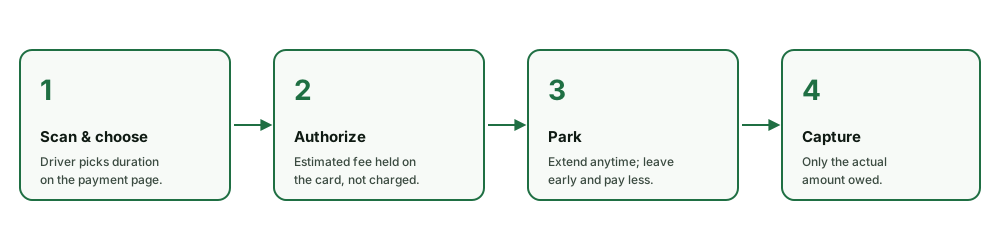
Payment is handled by Stripe. Drivers can use Apple Pay, Google Pay, or enter a credit card. Park Graph authorizes the estimated amount at session start and captures the actual amount when the session ends. This means if a driver leaves early, they only pay for the time they used. If they extend, the additional authorization happens seamlessly without re-entering payment details.
After payment, drivers receive a digital pass with a session code, timer, and the option to extend their session. They can also contact support through the built-in AI chat assistant if they have questions. A countdown timer shows exactly how much time remains, and 15-minute reminders are sent automatically via the browser notification API so drivers never get caught off-guard.
Your real-time dashboard
Every transaction, every session, every metric flows into your Park Graph dashboard in real-time. You see revenue as it happens — broken down by source (QR scans, AI agent bookings, API integrations, web payments). The dashboard updates every second using WebSocket connections, so you never need to refresh to see the latest data.
Occupancy tracking shows you exactly how full each lot is, with historical trends so you can identify peak hours and optimize pricing. Session duration analytics help you understand driver behavior and set better time limits. Occupancy snapshots are captured every five minutes and stored for 90 days, giving you granular trend data.
Automated daily and weekly reports arrive in your inbox with key metrics, trends, and actionable insights. No manual reporting, no spreadsheets, no guessing. Each report includes revenue breakdown, session counts, average duration, occupancy percentage, and comparison to the same period in the prior week and month.
For operators with multiple lots, the dashboard provides a unified view across all locations. Compare performance, identify underperforming lots, and roll out pricing changes across your entire portfolio. The command palette (Cmd/Ctrl+K) lets you jump between lots, search sessions, and access any feature instantly.
Total Revenue
$12,847
Sessions
342
Occupancy
73%
Avg Rate
$8.40
Revenue by source
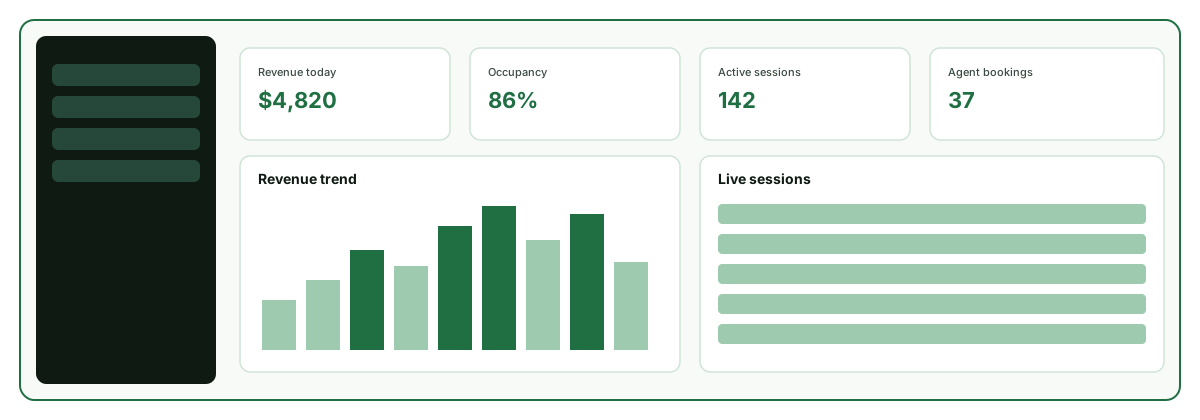
See every metric in real-time — revenue, occupancy, sessions. The dashboard gives you full visibility into your lot performance.
Explore the dashboardHow payments work
Park Graph uses Stripe Connect with destination charges. This means every payment is processed through Stripe's secure infrastructure, and funds are automatically split between your account and Park Graph's platform fee. Stripe handles PCI compliance, fraud detection, and dispute management, so you never touch sensitive card data.
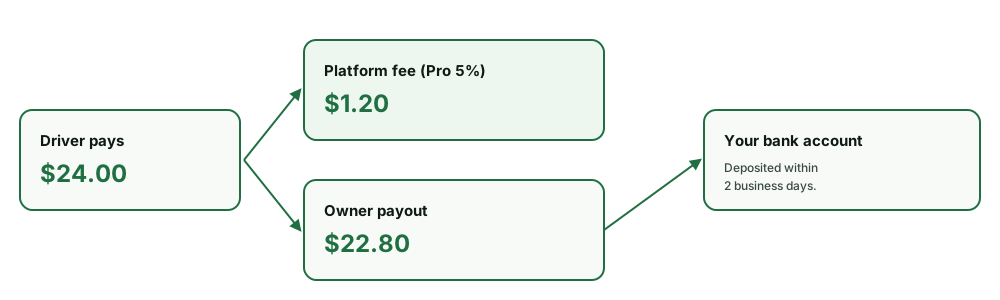
Here is how a typical transaction works on the Pro plan: a driver pays $24.00 for parking. Park Graph's 5% platform fee ($1.20) goes to the platform account. The remaining $22.80 goes directly to your Stripe Express account. Your first payout arrives 7–14 days after your first payment, Stripe's standard for new accounts; after that, payouts follow your plan's schedule. On the Enterprise plan, the platform fee drops to 3.3%, meaning you keep $23.21 of that same $24.00 transaction.
Park Graph uses manual capture authorization. When a driver starts a session, we authorize the estimated amount on their card. When the session ends — either because the time expired, the driver ended it early, or it was extended — we capture the actual amount. This protects both you and the driver from overcharges. If the driver leaves after 45 minutes of a 2-hour session, they pay only for 45 minutes.
All pricing is transparent. No hidden fees, no setup costs, no long-term contracts. You can see exactly what you earn on every transaction in your dashboard. Switch plans or cancel at any time. Refunds can be processed from the Sessions page with a single click, and the refund flows back through Stripe to the driver's original payment method within 5-10 business days.
AI agents find your lot automatically
Once your lot is live on Park Graph, it is automatically discoverable by every supported AI platform. When someone asks Claude, ChatGPT, Gemini, Grok, or Perplexity for parking recommendations near your location, your lot appears in the results with real-time availability and pricing. No additional configuration is required — Park Graph handles all the API integrations on your behalf.
AI-booked sessions are tracked separately in your dashboard under the Agent source category, so you can see exactly how much revenue each AI platform drives. AI agent bookings open a discovery surface that walk-up QR alone cannot reach. As AI assistants become the primary way consumers search for local services, this channel will only grow.
Park Graph implements the Model Context Protocol (MCP) for Claude, OpenAI Actions for ChatGPT, function declarations for Gemini, and REST endpoints for Grok and Perplexity. This multi-platform approach ensures your lot is visible regardless of which AI agent a driver prefers to use. The platform also supports custom API integrations for navigation apps, fleet management systems, and smart city platforms through standard REST endpoints with API key authentication.
Security and compliance
Park Graph never stores credit card numbers. All payment data flows directly through Stripe's PCI Level 1 certified infrastructure. Your Stripe Express account is protected by Stripe's fraud detection, chargeback management, and identity verification systems.
API access is controlled through scoped API keys with configurable rate limits. Each key can be restricted to specific operations (read-only, sessions, analytics) and has a per-minute rate limit that defaults to 60 requests per minute on Pro and 120 on Enterprise. All API requests are logged in the audit trail with timestamp, IP address, endpoint, and response code.
Webhook deliveries use HMAC-SHA256 signatures for verification, with automatic retry and exponential backoff for failed deliveries. Event deduplication ensures each webhook payload is processed exactly once. Your data is stored in Supabase with PostGIS spatial indexing, row-level security policies, and automatic daily backups with point-in-time recovery.
Ready to get started?
Generate your first QR code in 30 seconds. Free forever on the Starter plan.